
Correct invoice issuance depends on the proper preparation of the system for operation and the selection of the appropriate template.
Invoices can be issued in the Fakturowanie/Faktury tab by selecting the Wystaw z szablonu (Issue from template) button. Clicking next to the magnifying glass in the Wyszukaj (Search) field will expand the list of available templates. You can also select the Wystaw fakturę (Issue invoice) option, which will cause the system to substitute a standard sales invoice template.
If, after issuing an invoice, you are going to send it to KSeF, it is necessary to upload KSeF certificates, which will enable full integration with the Krajowy System e-Faktur (National e-Invoice System).
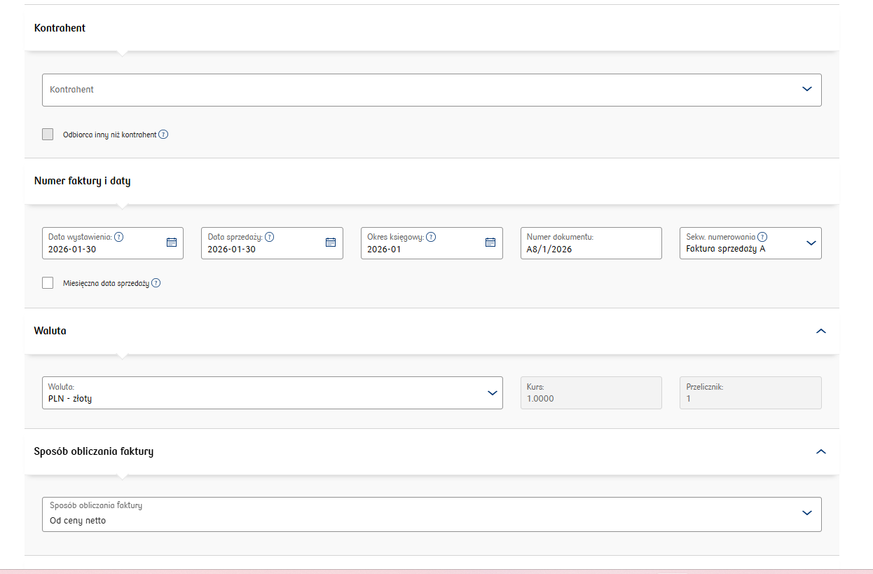
When issuing an invoice, you should:
- Enter the contractor,
- enter the document number (usually calculated cumulatively according to the selected
- sequence),
- include the issue and sale dates and the revelant accounting period,
- select the currency in which the invoice is to be issued,
- select the method of calculating the document
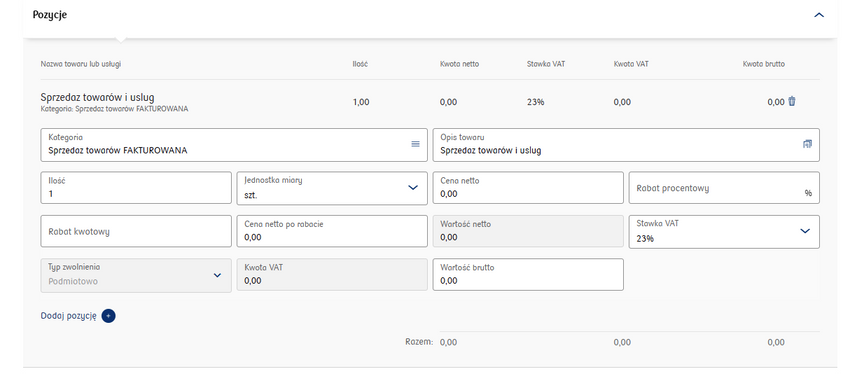
- complete the document items (description, price, quantity, VAT rate),
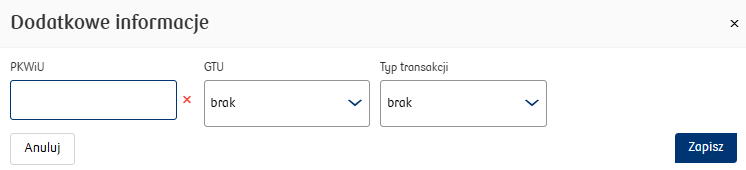
- complete the document items (description, price, quantity, VAT rate complete the PKWiU code, GTU and transaction type (if not applicable - select the option brak, leave the PKWiU field blank)

- The options are available after clicking on the blue icon in the Kategoria (category) field.
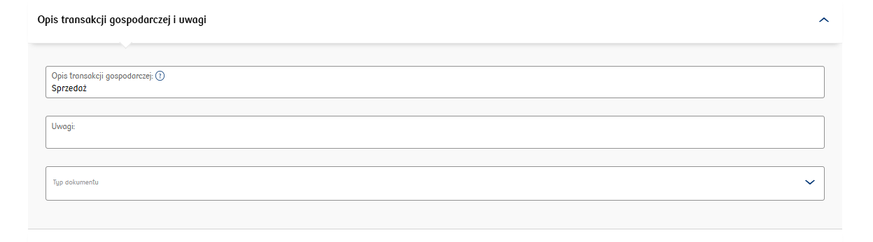
- complete the description of the business transaction (Opis transakcji gospodarczej),
- enter additional information in the Comments (Uwagi) field,
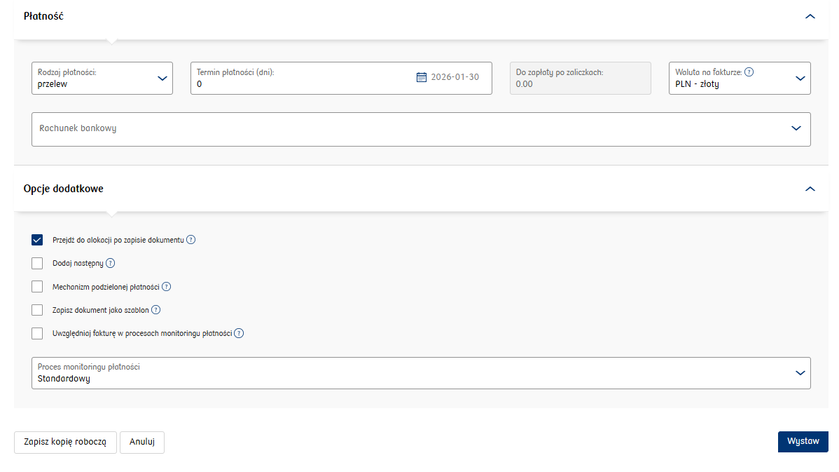
- select the type of payment,
- enter the appropriate bank account number,
- select the payment date,
- confirm the entered data with the Wystaw button.
After issuing the invoice, you will receive a success message informing you that you have issued the invoice.
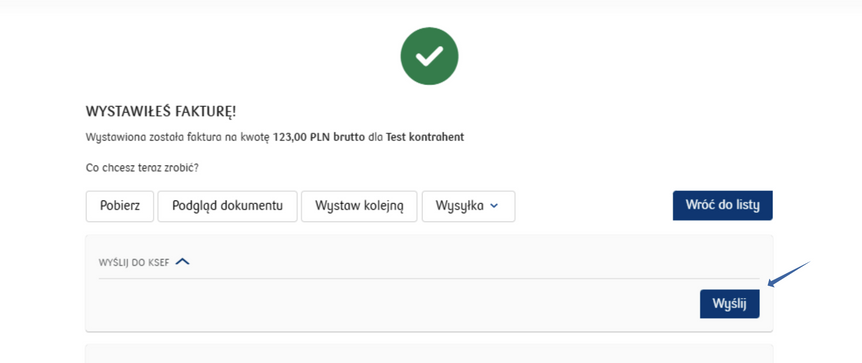
From this level, you can:
- send the invoice to the customer,
- send the invoice to KSeF,
- preview the document,
- download the document,
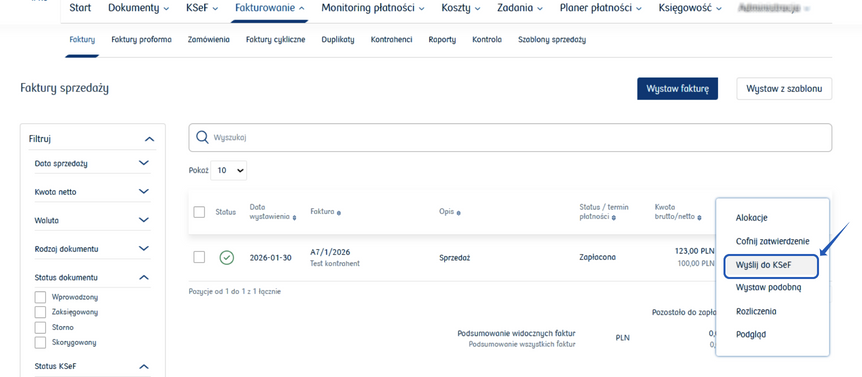
Go back to the Fakturowanie/Faktury tab, from where you can also send the invoice to the National e-Invoice System by hovering the cursor over the three dots at the end of the line and selecting the Wyślij do KSeF option.
If you want to issue an invoice without VAT, you should use the Faktura sprzedaży bez VAT template if you keep a revenue and expense ledger, or Sprzedaż ryczałt bez VAT if you use a flat-rate tax system.
If a cost invoice has been issued and sent to KSeF for you, you will find it in the Dokumenty tab.